
Getting Started Overview
Applicable roles: Organization (top-level user), sub-user, developer Updated: 2026-07-14
Welcome to the platform. This document helps you quickly find which docs to read.
1. Which type of user are you
I registered an enterprise account (or migrated from the legacy version) — you are an Organization. You are responsible for managing your team, topping up your balance, and allocating quotas. Start with the Organization Administrator Handbook.
I received an activation code and was invited to join an organization — you are a sub-user. You are responsible for calling models with an API Key. Start with the Sub-user Handbook.
I'm a developer and want to integrate the API — start with the Developer Guide.
Not sure whether you're an organization or a sub-user? After logging into the console, check the menu: those who can see additional menus such as "Sub-user Management" and "Balance Management" are organizations, while those with only 5 menu items are sub-users.
2. Documentation navigation
| Section | Audience | Content |
|---|---|---|
| 01 Getting Started & Overview | Everyone | What the platform is, the account system, registration, migrating from the legacy version |
| 02 Organization Administrator Handbook | Organizations | Sub-user management, balance top-up, billing, invoices, model scope |
| 03 Sub-user Handbook | Sub-users | Activation and login, Key management, call guide, usage viewing |
| 04 Pricing | Everyone | Billing methods, credits, multipliers, instance calculation |
| 05 Developer Guide | Developers | API calls, SDKs, third-party tool integration, troubleshooting |
3. Quick-start paths
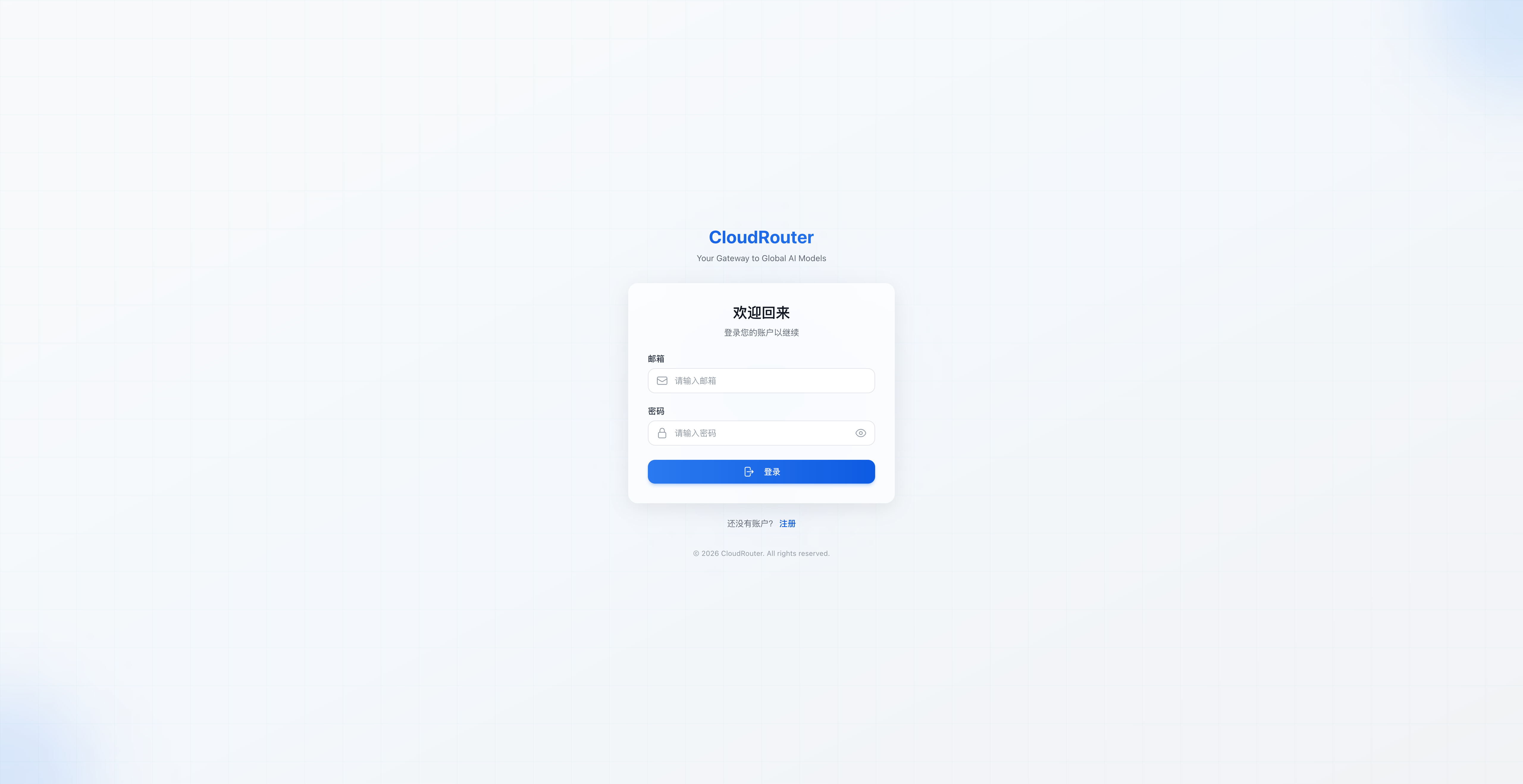
Console login page:
Organization administrator
- Understand the account system → Account System Overview
- Register/log in → Organization Registration & Activation
- Top up your balance → Top-up & Redemption Codes
- Create sub-users and allocate quotas → Sub-user Management
- Create Keys and integrate them into your code → API Keys & Routing Groups
- Understand pricing → Pricing
Sub-user
- Receive your activation code → Activation & Login
- Create a Key → API Key Management
- Look up call names → Call Guide
- Integrate into your code → Developer Guide · Quick Start
Developer
- Get your Key → Quick Start
- Understand endpoints and authentication → API Call Basics
- Choose an SDK → SDK Integration
- Integrate third-party tools → Third-party Tool Integration
4. Legacy users, read this
If you migrated from the legacy console: your account, balance, and API Keys are all preserved seamlessly—no need to recreate them. "Tenants" are now called "Organizations," and "members" are called "sub-users."
For detailed changes, see Migration & Transition Notes.
5. Onboarding guide
On your first login to the console, the system displays an onboarding guide to help you quickly get familiar with the interface layout and operation paths.