
Concurrency Settings
Applicable role: Organization (top-level user) Updated: 2026-07-09
Concurrency determines how many parallel requests can be made to the model at the same time. It is an important parameter for controlling usage and ensuring service stability. This article explains the concept of concurrency and describes how, in the new console, the organization-level concurrency limit is configured uniformly by the platform and must be adjusted by contacting official support.
1. What Is Concurrency
"Concurrency" refers to the number of parallel requests allowed at the same time. Higher concurrency means more requests can be processed at any given instant, but it also places greater instantaneous demand on resources; requests that exceed the limit are throttled.
In the new console, concurrency is managed in the form of an organization-level concurrency limit: it constrains your organization's parallel request capacity. For security and resource management reasons, this limit is a platform-level configuration that organizations cannot modify on their own—it is set and adjusted uniformly by the platform.
Regarding the fine-grained ability to "assign a separate concurrency limit to each sub-user": concurrency is currently simplified to a unified organization level, and fine-grained per-user concurrency allocation is not yet supported.
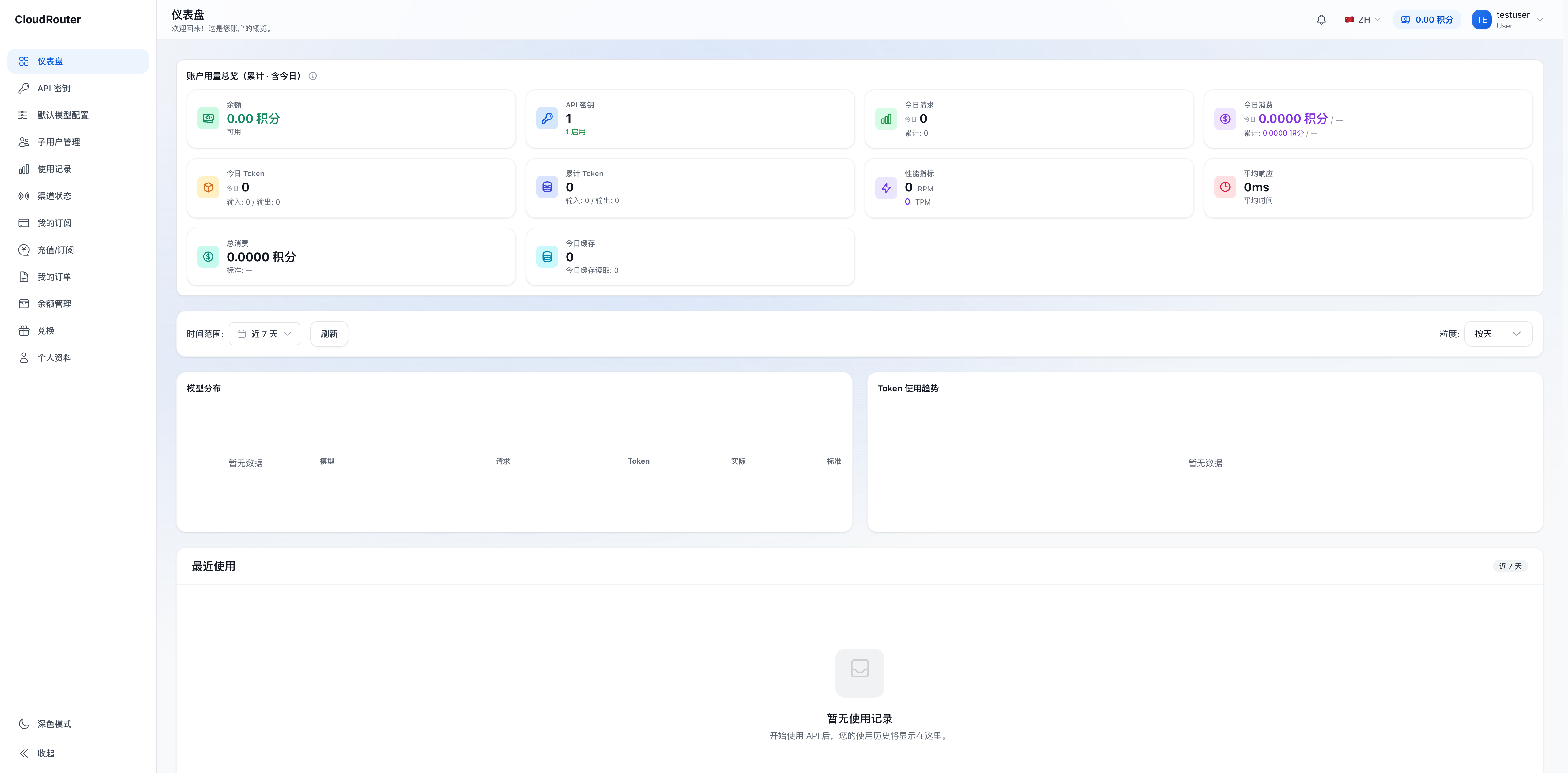
The performance metrics area (RPM/TPM) in the dashboard:
2. Organization-Level Concurrency Limit (Configured Uniformly by the Platform)
| Term | Meaning |
|---|---|
| Organization-level concurrency limit | The maximum parallel request capacity your organization is allowed to reach, set uniformly by the platform |
- The organization-level concurrency limit is configured uniformly by the platform, and organizations cannot modify it themselves within the console.
- When an adjustment is needed, please contact the official platform team to request a change (see the next section).
Whether the current console directly displays the specific value of the concurrency limit depends on the actual interface; if it is not shown, you can confirm the current limit with official support when submitting your request.
3. When to Request an Adjustment
We recommend requesting an increase to the organization-level concurrency limit in the following situations:
- Your requests are frequently throttled, affecting normal use
- You are about to onboard a new business and expect a significant rise in concurrency
- Parallel call demand during peak periods exceeds the current limit
4. How to Request an Adjustment (Contact Official Support)
- Organize your requirements and prepare the following information:
- Organization name
- Current limit (if known)
- The target value you want to adjust to
- A brief business background (e.g., "New customer added, expecting dozens of parallel calls per second at peak")
- Contact the platform through any channel: submit a ticket / contact your business representative / send an email to the official customer service email / use the contact information published on the official website.
- Wait for processing: after verification, official support will adjust the concurrency limit for your organization.
- Once it takes effect, the new limit applies immediately, and calls benefit right away—no need to log in again or recreate your Key.
Please confirm that a concurrency bottleneck genuinely exists before submitting, to avoid over-requesting. Each adjustment requires a separate contact.
5. FAQ
Q: I can't find anywhere in the console to change the concurrency limit? A: The organization-level concurrency limit is a platform-level configuration managed uniformly by the platform, and there is no self-service option to modify it in the organization interface. To make an adjustment, contact the platform as described above.
Q: Can I assign different concurrency limits to different sub-users? A: Concurrency is currently simplified to a unified organization level, and fine-grained per-sub-user allocation is not yet supported. If you have such a need, you can mention it when contacting official support.
Q: Do I need to log in again or recreate my Key after the concurrency limit is adjusted? A: No. Once the adjustment takes effect, subsequent requests will follow the new limit.
Q: Is higher concurrency always better? A: No. Higher concurrency means greater instantaneous resource usage. We recommend requesting a limit reasonably based on your actual business needs to avoid waste.
Q: Is concurrency throttling the same as insufficient balance/quota? A: No. Concurrency throttling occurs when there are too many parallel requests at the same time; insufficient balance/quota is a funding or quota issue (see Balance Alerts and Overdue Payments). The two have different error messages and handling methods.